
 Image 1 of 1
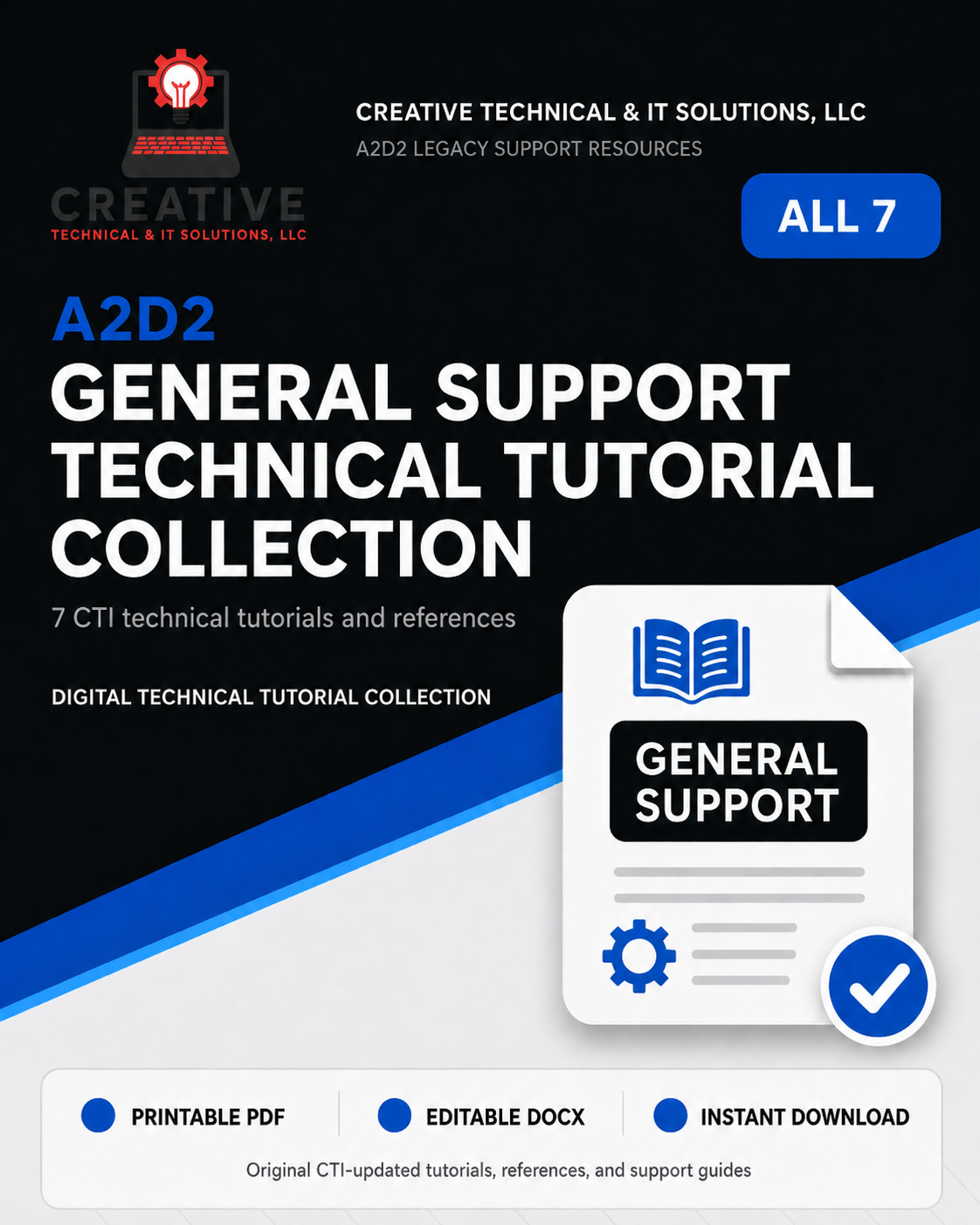
A2D2 General Support Technical Tutorial Collection
A2D2 GENERAL SUPPORT TECHNICAL TUTORIAL COLLECTION
Seven updated technical tutorials and reference guides covering common A2D2 software operation, configuration, troubleshooting, and support procedures.
The A2D2 General Support Technical Tutorial Collection brings together CTI Solutions’ modernized general-purpose A2D2 documentation for offices, operators, technicians, resellers, and IT professionals who continue to maintain and support legacy A2D2 systems.
These resources address procedures and problems that are not limited to one specific A2D2 imager model, making this collection a useful technical reference for many active legacy installations.
The original A2D2 documentation has been reorganized and updated with improved formatting, clearer explanations, preserved technical information, step-by-step procedures, troubleshooting guidance, warnings, and CTI Support Handoff information where appropriate.
INCLUDED TUTORIALS AND REFERENCES
• A2D2 2 Button Toolbar Reference
• Acquisition Mode Tutorial
• Copying X-Rays to CD or Removable Media Tutorial
• Changing the Default Directory Tutorial
• Changing A2D2 Folder Permissions Tutorial
• Imager Connection Error Tutorial
• Non-Uniformity Correction Tutorial
WHAT THIS COLLECTION COVERS
• A2D2 two-button toolbar operation
• Selecting and understanding Acquisition Mode
• Copying X-ray images to removable media
• Changing the default XRAYS directory
• Correcting A2D2 folder permission problems
• Troubleshooting imager connection errors
• USB connection and communication troubleshooting
• Non-uniformity correction procedures
• Common legacy A2D2 configuration tasks
• Practical troubleshooting and support preparation
IMAGER CONNECTION TROUBLESHOOTING
The Imager Connection Error Tutorial provides a structured troubleshooting process for systems displaying connection-related errors or failing to detect an imager.
The tutorial walks users through power, USB connection, cable, extension, USB port, Windows, software, and possible hardware-related causes rather than assuming that every connection problem has the same source.
A CTI Support Handoff Report is included so completed tests and results can be documented before additional technical support is requested.
PRINTABLE PDF + EDITABLE WORD
Every tutorial and reference is supplied as both a printable PDF and an editable Microsoft Word DOCX file.
Where appropriate, troubleshooting-oriented tutorials may also contain fillable PDF fields and CTI Support Handoff Reports. These help users document system information, changes, tests, and results so useful information can be provided if additional technical support is needed.
PRESERVING LEGACY A2D2 KNOWLEDGE
These resources retain useful information from the original A2D2 support documentation while presenting it in a modern CTI format that is easier to read, follow, print, and maintain.
The collection is especially useful for common support situations where the issue involves the A2D2 computer, software configuration, Windows permissions, storage locations, USB communication, or routine operating procedures rather than a specific imager model.
WHO THIS COLLECTION IS FOR
• Medical offices continuing to operate legacy A2D2 systems
• A2D2 system owners and operators
• A2D2 resellers and service providers
• IT professionals supporting A2D2 computers
• Technicians diagnosing common A2D2 problems
• Organizations maintaining legacy digital X-ray installations
IMPORTANT
This tutorial collection is intended as a legacy technical documentation and support resource. It does not include A2D2 software, licensed camera-setting files, installation service, repair service, data recovery, remote support, telephone support, customization, or consulting unless separately purchased.
Users remain responsible for appropriate backups, equipment safety, privacy and security, radiation-safety procedures, clinical protocols, regulatory requirements, software licensing, and determining whether a procedure or configuration change is appropriate for their particular system.
A2D2 GENERAL SUPPORT TECHNICAL TUTORIAL COLLECTION
Seven updated technical tutorials and reference guides covering common A2D2 software operation, configuration, troubleshooting, and support procedures.
The A2D2 General Support Technical Tutorial Collection brings together CTI Solutions’ modernized general-purpose A2D2 documentation for offices, operators, technicians, resellers, and IT professionals who continue to maintain and support legacy A2D2 systems.
These resources address procedures and problems that are not limited to one specific A2D2 imager model, making this collection a useful technical reference for many active legacy installations.
The original A2D2 documentation has been reorganized and updated with improved formatting, clearer explanations, preserved technical information, step-by-step procedures, troubleshooting guidance, warnings, and CTI Support Handoff information where appropriate.
INCLUDED TUTORIALS AND REFERENCES
• A2D2 2 Button Toolbar Reference
• Acquisition Mode Tutorial
• Copying X-Rays to CD or Removable Media Tutorial
• Changing the Default Directory Tutorial
• Changing A2D2 Folder Permissions Tutorial
• Imager Connection Error Tutorial
• Non-Uniformity Correction Tutorial
WHAT THIS COLLECTION COVERS
• A2D2 two-button toolbar operation
• Selecting and understanding Acquisition Mode
• Copying X-ray images to removable media
• Changing the default XRAYS directory
• Correcting A2D2 folder permission problems
• Troubleshooting imager connection errors
• USB connection and communication troubleshooting
• Non-uniformity correction procedures
• Common legacy A2D2 configuration tasks
• Practical troubleshooting and support preparation
IMAGER CONNECTION TROUBLESHOOTING
The Imager Connection Error Tutorial provides a structured troubleshooting process for systems displaying connection-related errors or failing to detect an imager.
The tutorial walks users through power, USB connection, cable, extension, USB port, Windows, software, and possible hardware-related causes rather than assuming that every connection problem has the same source.
A CTI Support Handoff Report is included so completed tests and results can be documented before additional technical support is requested.
PRINTABLE PDF + EDITABLE WORD
Every tutorial and reference is supplied as both a printable PDF and an editable Microsoft Word DOCX file.
Where appropriate, troubleshooting-oriented tutorials may also contain fillable PDF fields and CTI Support Handoff Reports. These help users document system information, changes, tests, and results so useful information can be provided if additional technical support is needed.
PRESERVING LEGACY A2D2 KNOWLEDGE
These resources retain useful information from the original A2D2 support documentation while presenting it in a modern CTI format that is easier to read, follow, print, and maintain.
The collection is especially useful for common support situations where the issue involves the A2D2 computer, software configuration, Windows permissions, storage locations, USB communication, or routine operating procedures rather than a specific imager model.
WHO THIS COLLECTION IS FOR
• Medical offices continuing to operate legacy A2D2 systems
• A2D2 system owners and operators
• A2D2 resellers and service providers
• IT professionals supporting A2D2 computers
• Technicians diagnosing common A2D2 problems
• Organizations maintaining legacy digital X-ray installations
IMPORTANT
This tutorial collection is intended as a legacy technical documentation and support resource. It does not include A2D2 software, licensed camera-setting files, installation service, repair service, data recovery, remote support, telephone support, customization, or consulting unless separately purchased.
Users remain responsible for appropriate backups, equipment safety, privacy and security, radiation-safety procedures, clinical protocols, regulatory requirements, software licensing, and determining whether a procedure or configuration change is appropriate for their particular system.