
 iPad X-Ray Viewer
Your A2D2 X-rays.
Now on iPad.
CTI A2D2 X-Ray Viewer gives authorized staff a streamlined way to connect to an A2D2 acquisition computer or network share, browse stored X-rays, and view them on an iPad over the office's local network.
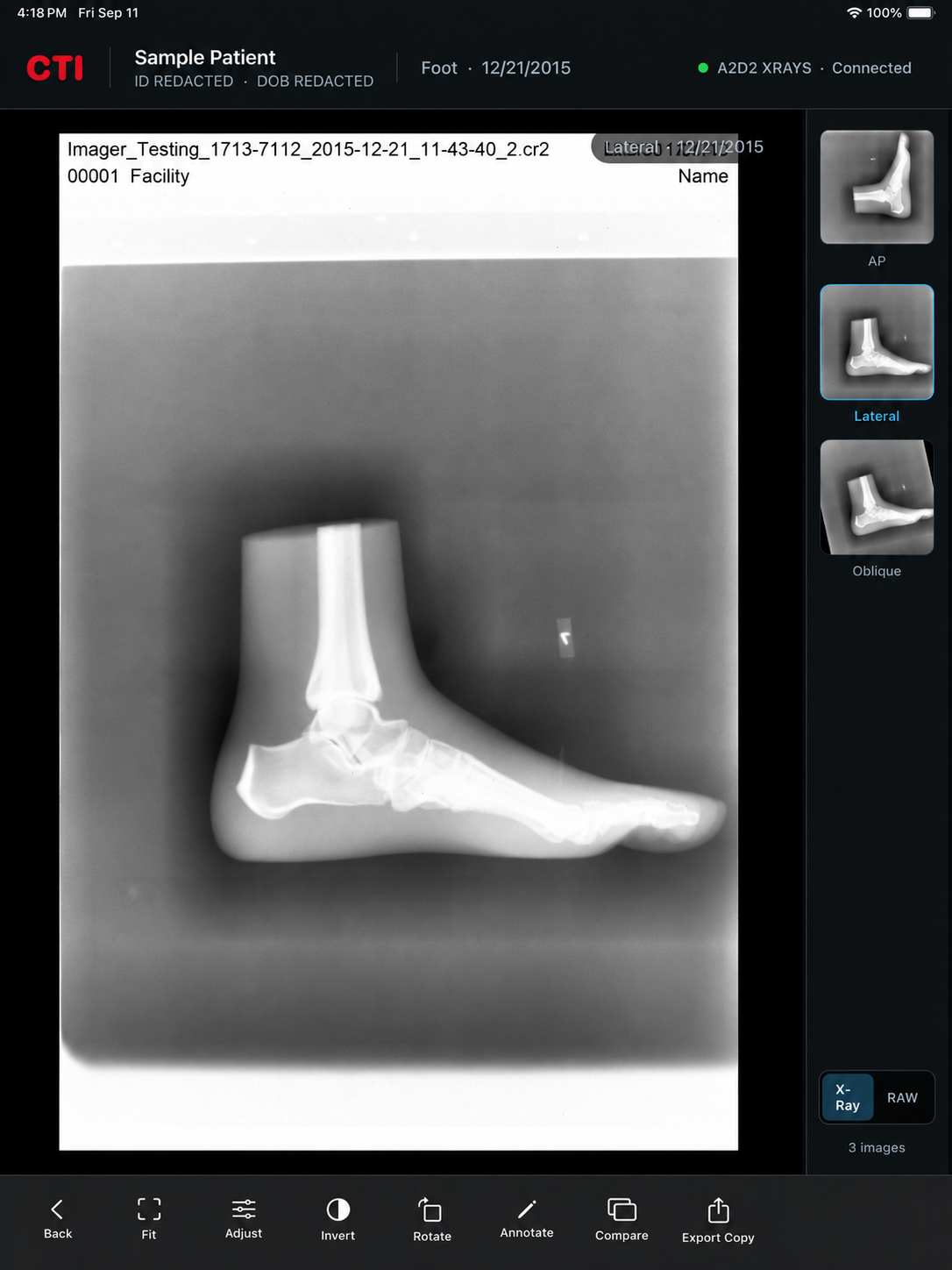
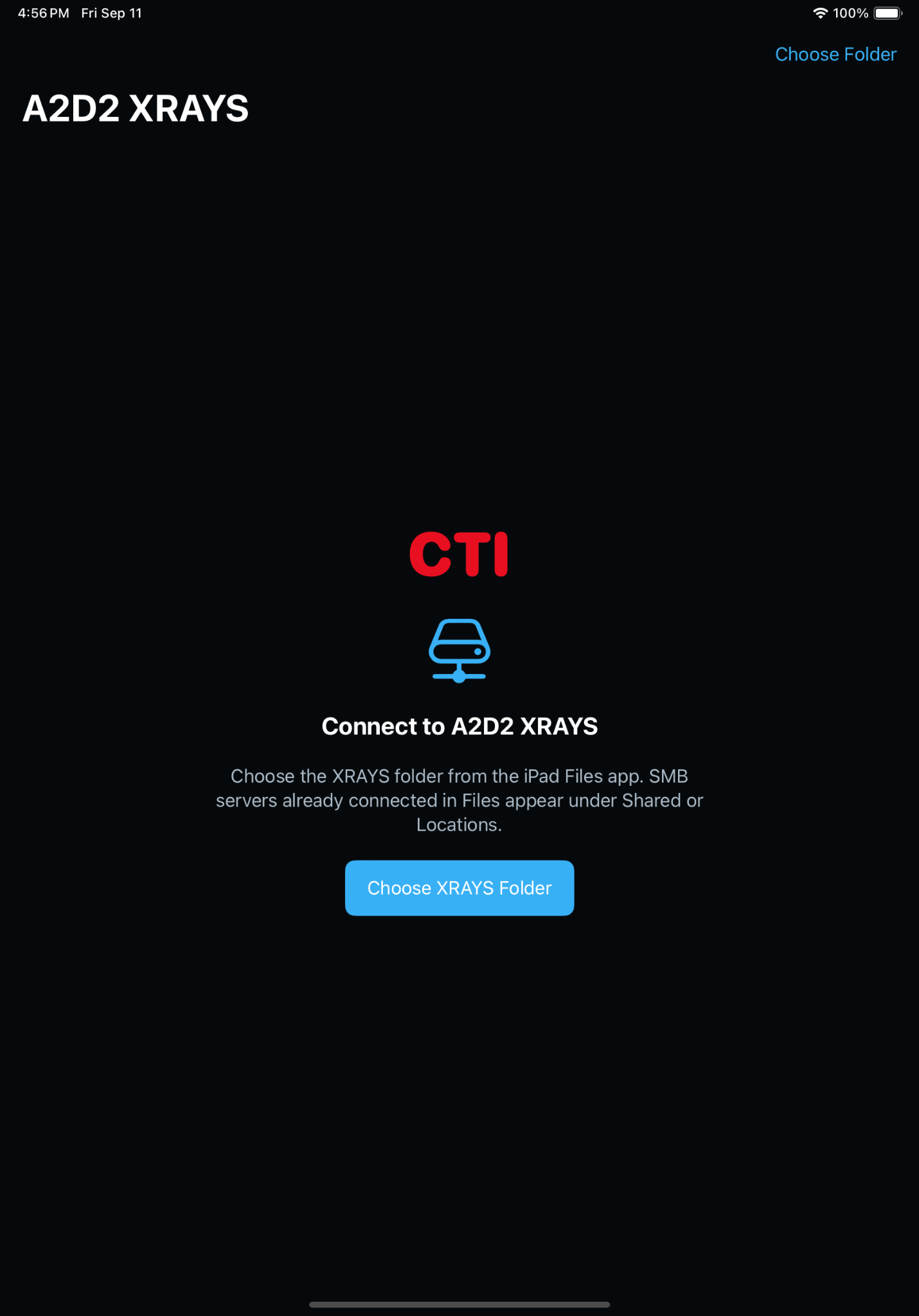
Connect once. Get to the X-rays.
The app is built around a practical office workflow: connect the iPad to the authorized A2D2 computer or network share, choose the XRAYS folder, and use the viewer without routing clinical images through a CTI cloud service.
Use the network location and credentials configured by your office.
Select the A2D2 image location the iPad is allowed to access.
Browse the available files and work with the image from the iPad viewer.
The tools stay useful. The interface stays out of the way.
Common viewing actions remain easy to reach, while secondary controls stay organized so staff can focus on the image rather than the software.
Local-Network Access
Connect directly to the authorized acquisition computer or network share on the office network.
Fast Image Viewing
Browse stored X-rays and open them on the iPad without moving the office workflow into a separate CTI cloud system.
Viewer Controls
Fit, image adjustment, invert, rotate, annotation, comparison, and export tools are organized around the viewing workflow.
Optional App Authentication
Offices can optionally require Apple's native Face ID, Touch ID, or device-passcode authentication before the app opens.
Protected Credentials
Saved connection information stays on the device, with a supplied password stored in the device Keychain.
No CTI Patient Database
The app does not use advertising, analytics, tracking, or a developer-operated patient database.
Clinical images remain local to your office.
The app connects directly to the network location selected by authorized staff. CTI does not receive patient images, patient details, connection settings, or credentials from the app.
CTI A2D2 X-Ray Viewer
A focused iPad viewer built around the way existing A2D2 offices already store and access their X-ray images.